

Vector Tracing- Why you need?
What Is Vector Tracing- Why You Need It?
If you are stepping into the world of graphics design, you might have heard about vector tracing. So, what is vector tracing? why do you need it?
You know when we were kids, we used to draw images using a trace? Well, vector tracing is a similar kind of process. But here, an image is recreated using vector software.
A vector software will help you recreate an already existing image. Similar to how we used to use traces in childhood, this software also uses an already existing image as a guideline.
This is used by designers who need a vector image file. Mostly, a designer will use vector tracing when they have raster graphics.
Raster graphics, in its simplest form, is an image that includes a matrix of pixels or cells that have been put into columns and rows in a grid. Each of these pixels or cells contains information in the form of a value. Examples of raster graphics are images that you get from satellites, digital pictures, aerial photographs, or even scanned maps.
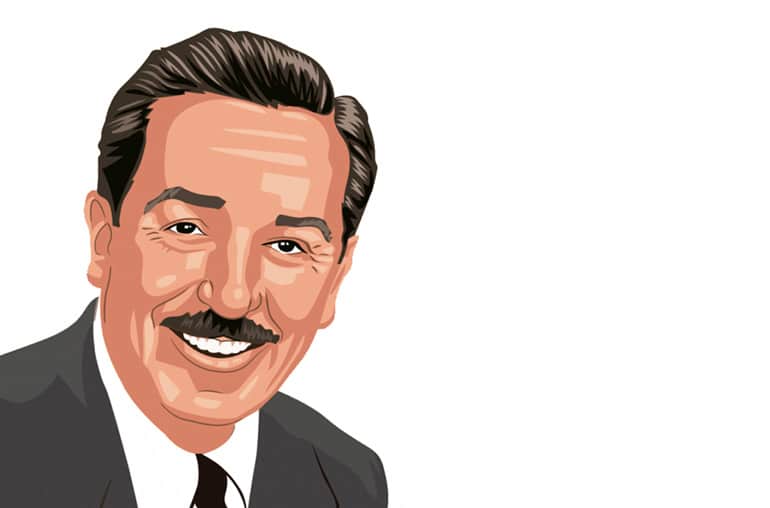

vector tracing is a very useful process that helps designers build high-quality and workable images.
Using a vector tracer, you can outline the image and create a vector version of the raster version image.
For example, let’s say that you work as a graphics designer. One of your clients sends you their logo that you need to include in a leaflet. They send you the logo in JPEG format. Because they don’t have any other formats of the logo, it’s the only thing that you have to work with. In a situation as such, when you will try to include the JPEG logo in the leaflet, and increase the size of the logo for it to fit into the design, you will find that the logo becomes very pixelated. The quality of the logo will look quite distorted. Since JPEG is too small, the adjustment made to the size will create this issue.
A solution in this scenario will be to use vector software. Here, you can trace the logo and create a vector version of it. Similar to how we used to trace images in school, you trace the JPEG logo into its new format. It’s a straightforward process. Then, you can export the new logo in an EPS format and adjust it to the size required. In this format, sizing the image up or down will not cause it to lose its quality.
The software for vector tracing is quite advanced. When you go to outline the trace, the software typically automatically analyzes the logo and suggests appropriate vector outlines. You can adjust the level of detail, smoothen the logo, and even do some corner rounding. If the logo or the image is too complex, you will have to refine the details more precisely. Color tabs on the software can sometimes suggest automatically identified colors that match the image you are about to trace.
So yes, vector tracing is a very useful process that helps designers build high-quality and workable images. It is truly a process that makes our lives much easier. Not to mention, vector images have smaller file sizes and are easier to store as well!